

Talos Omni has been a game changer. Seamless deployments, centralized management, and remote support, all in one place.
Jeff Wright · Director of PM, Hardware · PowerFlex
Fleet management · Talos Omni
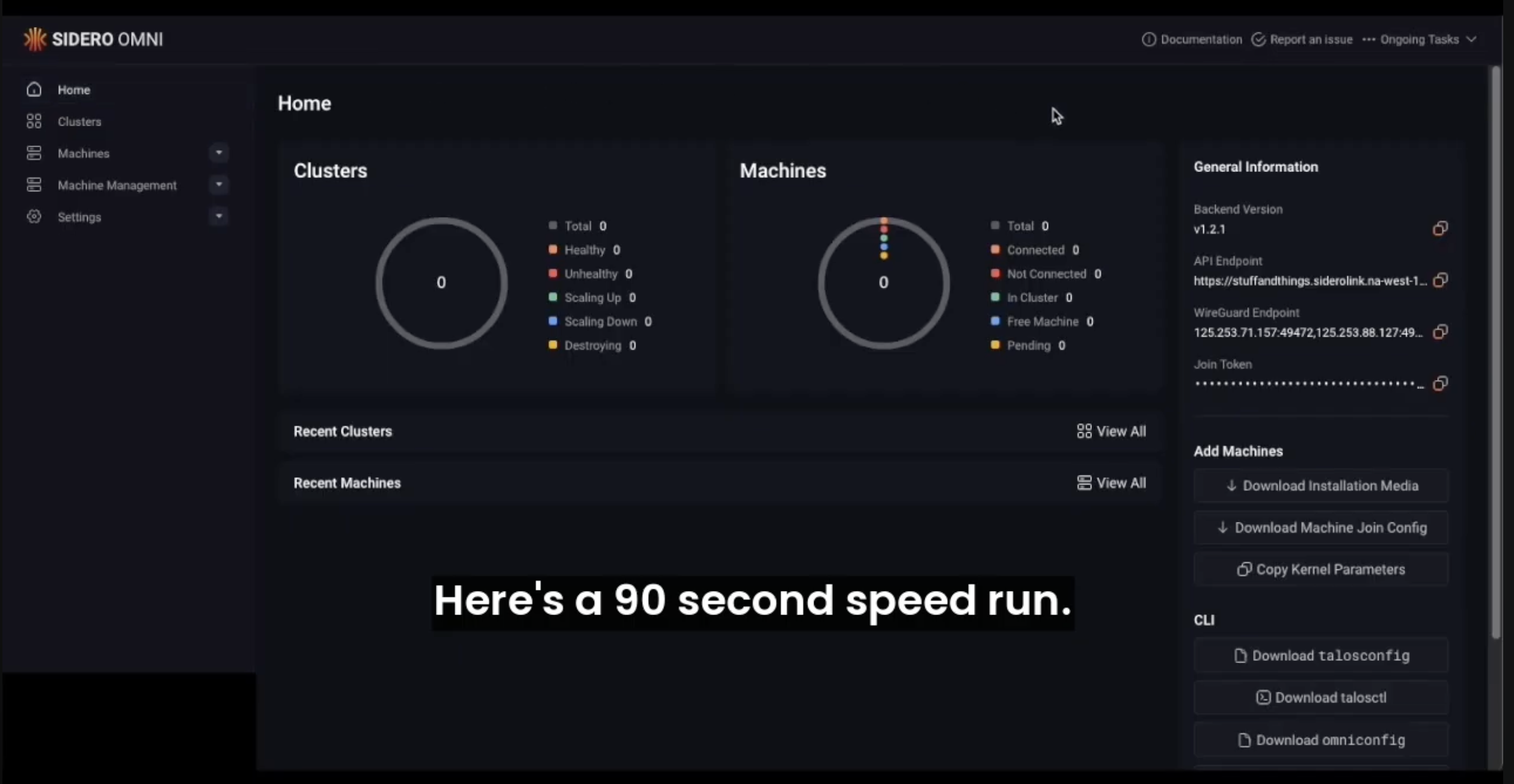
When you're ready to manage a fleet, Omni builds on talosctl: provisioning, upgrades, config, and backups for every Talos cluster. Bare metal, edge, or cloud, from one place. SaaS or self-hosted.
Kubernetes at scale
Talos Omni has been a game changer. Seamless deployments, centralized management, and remote support, all in one place.
Jeff Wright · Director of PM, Hardware · PowerFlex

We can easily scale to hundreds of clusters. Talos Omni is more than capable of that.
Paulo Araujo · Site Reliability Engineer · Promptly Health

Simple to set up, more security out of the box, and rock solid during updates.
Gwendolyn James · Staff DevOps Engineer · Ursa Major

We migrated from Red Hat OpenShift to Talos Linux and Omni in less than 24 hours.
Rushan Ratha · Head of Platform Engineering · SGX FX Group
Three developers built our entire platform on top of Talos Omni. Without it, we'd have shipped a year later.
Platform engineering team · a global game studio
Deploy an Infrastructure Provider: bare metal, KubeVirt, libvirt, vSphere, Proxmox, or build your own. Talos Omni handles power-on, OS install, and decommissioning through the provider. Machines join the fleet automatically and leave it cleanly.
No PXE scripts. No manual ISO mounts. No Terraform for the OS.
Workload Proxy allows you to annotate any HTTP Service with a port and label. Talos Omni generates a URL gated by your IDP and routes traffic over the existing encrypted tunnel to your cluster.
No public ingress. No port-forwarding. No separate VPN.
Talos Omni ships with all the parts you otherwise need to glue together: fleet upgrade orchestration, encryption across sites, identity management, cluster templates.
Talos Omni reaches every node over a WireGuard tunnel (SideroLink). Enable KubeSpan to extend encryption across clusters and sites.
Roll out Talos and Kubernetes upgrades fleet-wide from one place. Health-checked, atomic per node, automatic rollback on failure.
Define cluster configuration once as a declarative template. Talos Omni applies it across the fleet and keeps clusters reconciled to the spec.
Authenticate through any SAML or OIDC provider, scope per-cluster access by role, and audit every change via the UI or API.
The slowest part of adopting new infrastructure is getting everyone aligned. These short briefs give you a head start.
Learn how platform teams reclaim the engineering hours lost to drift, OS debt, and Day 2 firefighting.
Learn how Talos Linux, Talos Omni, and Kubernetes fit together, and why this approach beats the alternatives.
Learn how an immutable, API-only architecture eliminates the categories of risk that other platforms try to monitor.